Lingoym Mascot Studio
AI-driven animation pipeline producing branded social content for the Lingoym mascot: character reposing with Qwen-Image-Edit, image-to-video with Kling and MiniMax on Comfy Cloud, and automated 9:16 reel assembly with ffmpeg.
Overview
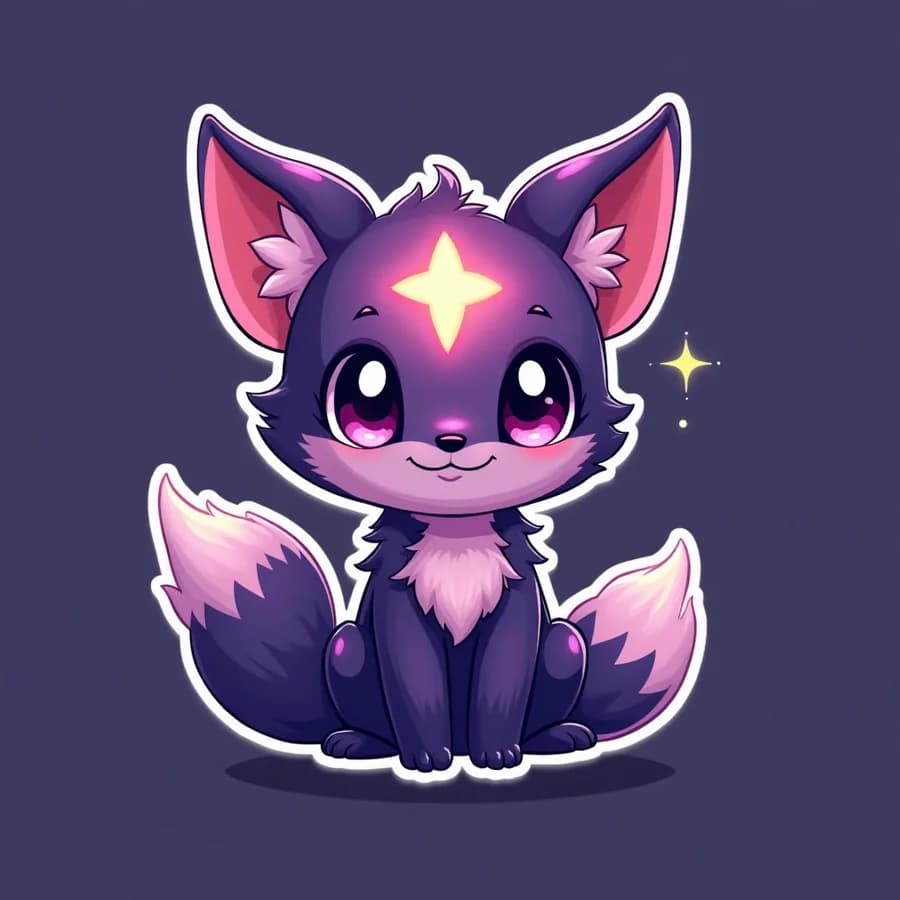
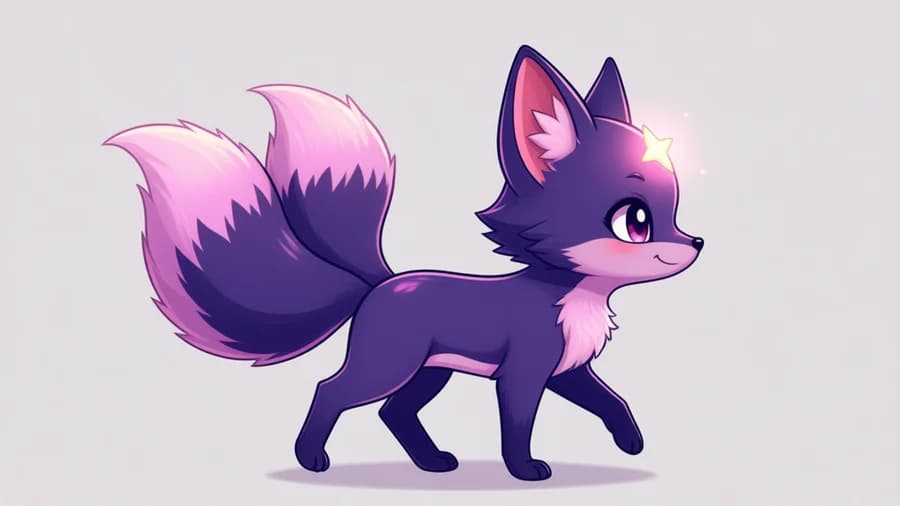
Lingoym Mascot Studio is the content pipeline behind the social media presence of Lingoym — an AI-powered name generator whose brand mascot is a two-tailed chibi kitsune with a glowing star on its forehead. The studio turns a single character reference into an endless stream of branded animated reels: idle loops, walks, dances, story cards, all assembled automatically with music, captions, and brand overlays.
The Challenge
Producing consistent character content with generative AI is hard for one specific reason: identity drift. Every generation wants to reinvent the character — different proportions, different colors, a missing second tail. The pipeline had to keep the mascot pixel-recognizable across hundreds of generations while staying cheap and fast enough for a daily posting schedule.
The Pipeline
Content is produced in composable stages, each powered by a different model on Comfy Cloud (ComfyUI's hosted API) and driven by Python scripts that submit workflow graphs, poll job status, and download results.
Stages
- 1. Repose - Qwen-Image-Edit changes the pose or framing while preserving the exact character design
- 2. Animate - Kling, Wan 2.2, or MiniMax turn the reposed still into 1080p motion; MiniMax ref2va adds synced audio for choreographed multi-beat clips
- 3. Matte - BiRefNet (stills) or temporally consistent video matting removes backgrounds for compositing
- 4. Assemble - a single ffmpeg pass composites the mascot onto scenes and builds branded 9:16 reels with music, captions, and logo overlays

Reel Assembly
A CLI tool (build-reel.py) assembles final vertical reels in one ffmpeg
pass: green-screen or alpha compositing, background plates, Ken Burns zooms
for still cards, music loops with fades, and branded caption frames rendered
with Pillow.
python3 build-reel.py \
  --mascot assets/actions/green/dance-green.mp4 --key green \
  --bg assets/references/brand/background.jpg \
  --name "Soo-jin" --meaning "Excellent and gentle" \
  --music assets/music/loop1.mp3 --text ogcard --out reel.mp4

Hard-Won Gotchas
Things the documentation does not tell you
- BiRefNet flickers on side-profile clips (per-frame alpha jitter around the eyes) - use camera-facing framing or temporally consistent video matting instead
- Partner-model outputs land under unexpected response keys (animated/images, not videos) - always scan all output buckets
- MiniMax frame counts snap to a fixed grid - request lengths must be computed, not guessed
- One big pose-plus-position change in a single first-last-frame clip morphs badly - split into single-action clips and assemble
- Rendered in-video text comes out garbled - overlay clean typography with ffmpeg instead
Lessons Learned
- Pin the character with a reference, not a prompt — image-conditioned editing (Qwen-Image-Edit) preserves identity far better than any text description ever could.
- Compose small clips instead of generating long ones — short single-action generations assembled with ffmpeg beat long generations on both quality and cost.
- Keep humans in the loop at the storyboard level — the pipeline automates execution, but choosing beats, scenes, and timing is still a creative decision.